

Chatki Bet has built a following among players in Ethiopia thanks to a mobile app that puts sports betting and casino games in one place, without needing a browser tab open. The app is currently available for Android only. There is no iOS release yet, so iPhone users rely on the mobile site instead, which is covered further down this page.
The Android build mirrors the desktop site closely: same markets, same games, same account. What changes is speed and convenience — push notifications for settled bets, a lighter interface, and one tap to open instead of typing a URL each time.
Free · Android · 45.8 MB
Chatki Bet App Configuration
Before installing, it helps to know what is actually being downloaded. The table below lists the current package details.
| Parameter | Detail |
|---|---|
| App name | Chatki Bet |
| Version | 1.0.0 |
| File size | 45.8 MB |
| File type | APK (Android) |
| Last updated | 28/09/2026 |
| User rating | 4.9 |
| Downloads | 50,000+ |
| Price | Free |
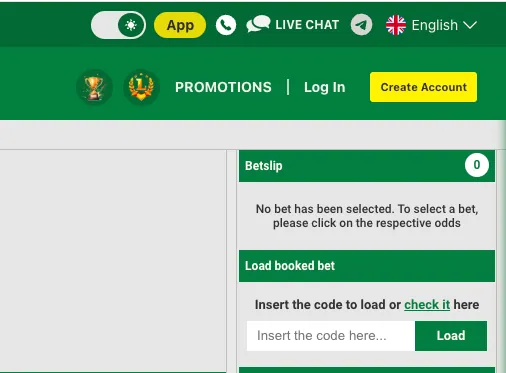
How to Install the Chatki Bet APK on Android
Android phones block installs from outside the Play Store by default, so one setting needs to change first. The process only takes a couple of minutes.
- Open the Chatki Bet website in the phone's browser and go to the App page.
- Tap the download button to save the APK file. The browser may show a warning about files from the internet — this is standard for any APK, not specific to Chatki Bet.
- Before opening the file, allow installation from this source: go to Settings → Apps → Special access → Install unknown apps, select the browser used for the download, and turn the toggle on. Wording varies slightly by phone brand.
- Open the downloaded APK file from the notification bar or the Downloads folder.
- Tap Install and wait for the process to finish.
- Open the app, then either log in with an existing account or register a new one — see the registration guide for the full walkthrough.
Once installed, the app checks for updates on its own. A manual reinstall of the latest APK from the site works too if an update prompt is missed.
How to Install Chatki Bet on iOS
There is no dedicated iOS app at the moment. iPhone and iPad users get the same betting and casino functionality through the mobile website, opened in Safari or Chrome. A home-screen shortcut makes it behave much like an app, launching straight into the site without the address bar.
- Open Chatki Bet's mobile site in Safari (or Chrome on iOS).
- Tap the Share icon at the bottom of the screen (the square with an arrow pointing up).
- Scroll down and select Add to Home Screen.
- Edit the name if desired, then tap Add in the top-right corner.
- An icon appears on the home screen; tapping it opens the site in a slim browser window, without the usual tabs and address bar.
This shortcut, often called a PWA (progressive web app) install, doesn't require any app-store approval and updates automatically since it simply loads the live site each time.
What the App Offers
The core features carry over from the desktop and mobile-web versions:
- Live betting — in-play markets and updating odds for ongoing matches.
- Casino and special games — the same game library available on the website, formatted for a smaller screen.
- Deposits and withdrawals — the cashier opens inside the app, so funding an account doesn't require switching to a browser.
- Push notifications — alerts for bet results, promotions and account activity, which the mobile site cannot send.
Storage needed for the app stays modest at 45.8 MB, and it doesn't grow much over time the way some larger apps do, since most of what it displays — odds, match data, game results — loads from the server rather than being stored on the device. That also means a stable connection matters more than raw phone storage for a smooth experience — a weak signal will slow the app down the same way it would slow a browser tab, since both are ultimately waiting on the same data from the server.
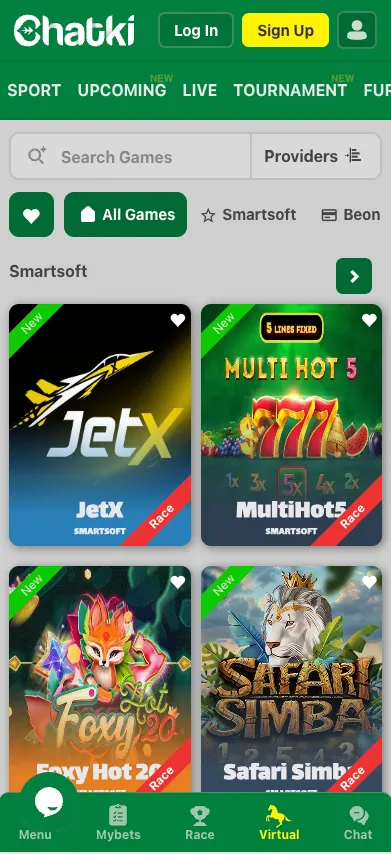
App vs. Mobile Site
Neither option is strictly better — the right choice depends on the device and how often it gets used.
| Aspect | Android App | Mobile Site |
|---|---|---|
| Platform | Android only | Any device with a browser |
| Speed | Faster after first load, less re-rendering | Depends on connection each visit |
| Notifications | Push alerts for results and offers | None |
| Data usage | Lower once installed, no repeated page assets | Slightly higher per session |
| Install required | Yes, APK download | No |
Updates and Common Problems
The app is small enough that most issues resolve with a fresh download. A few recurring ones:
- APK won't install — double-check that unknown-source installs are still allowed for the browser, and confirm there's enough free storage.
- App won't update — download the current APK from the App page and install it over the existing one; there's no need to uninstall first.
- Login issues after installing — confirm the account details match what's used on the website, and check for a stable internet connection before retrying.
- App feels slow — closing other background apps or clearing the phone's cache usually helps on older devices.
- Downloaded file not found — some browsers save APK files to a separate Downloads app rather than the notification bar; checking there usually turns it up.
For anything the steps above don't fix, the platform's support channels — listed on the account page — are the next step.
Overall, the Chatki Bet mobile app gives players in Ethiopia a straightforward way to bet and play on the go. It installs in a few minutes, runs smoothly on most Android hardware, and keeps data use modest thanks to its compact 45.8 MB size. Funding an account works the same way through the app's built-in cashier — see the payments guide for deposit and withdrawal methods.